Address Validation
Accurate delivery on every shipment. Address errors cost an estimated $20 billion annually in corrections, delays, and lost packages. Address verification streamlines your workflow and reduces errors without compromising on efficiency.


Reduce Costly Errors
Minimize delays, failed deliveries, and lost packages by validating addresses against official databases.

Improve Delivery Speed
Accurate address components enable carriers to identify location details—ensuring faster mail delivery.

Time-Saving Automation
Automated address verification means less time fixing bad addresses and missing components, improving efficiency.
How our address verification tool reduces costs
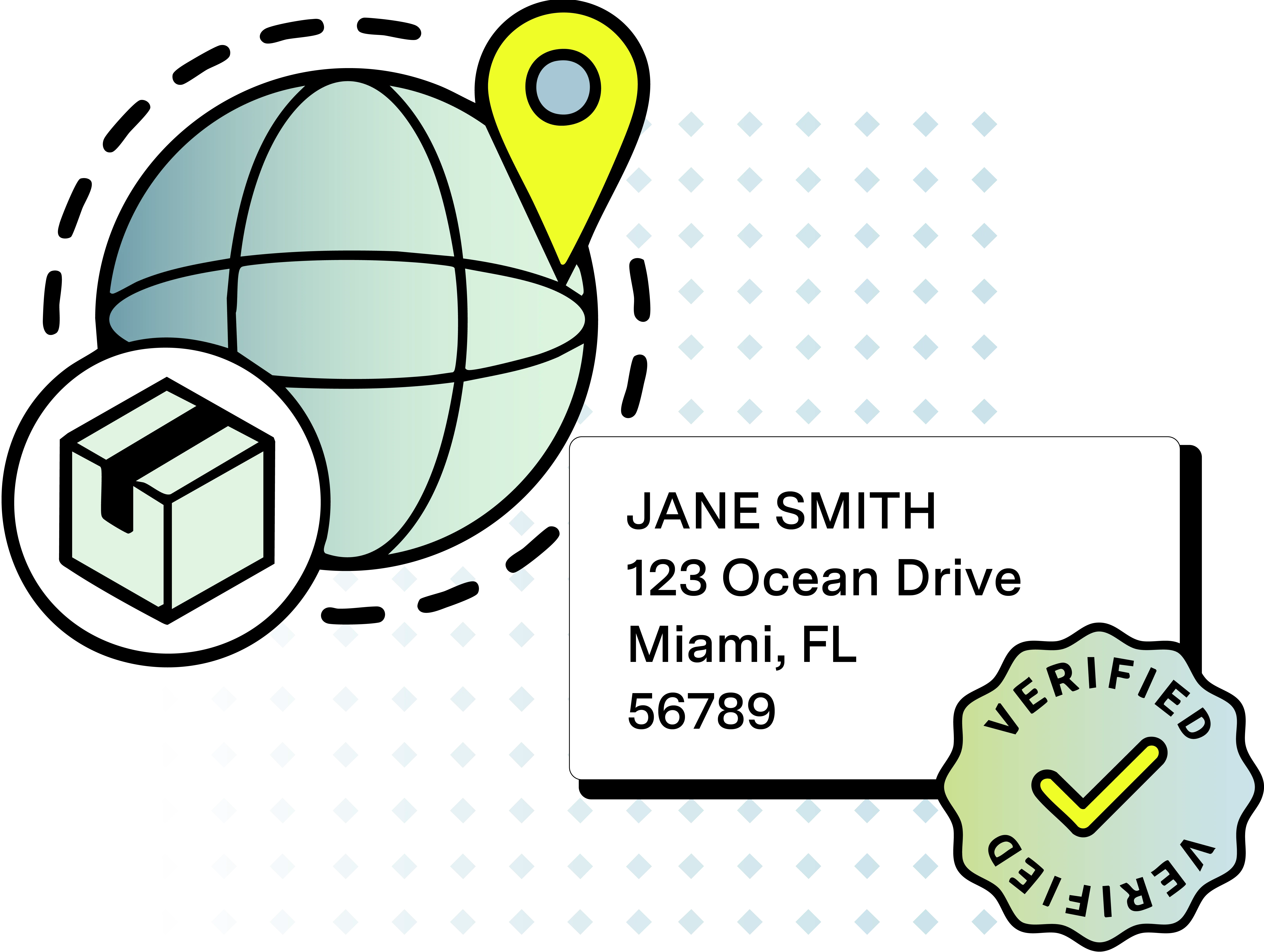
Address verification automatically checks each input address against CASS Certified and other official databases, ensuring accurate, valid address data for every shipment.
Address inaccuracies cost businesses an estimated $20 billion annually. By using our tool to verify addresses, you can avoid costly return and carrier fees, prevent delays and failed deliveries. Whether you process individual addresses or bulk addresses through a CSV file, our tool ensures every address exists.
Enhance your delivery speed and accuracy
Improve delivery speed by eliminating address mistakes and ensuring every input address is correct. Our real-time suggestions verify address matches, highlight missing data, correct format issues, and provide high-accuracy validation, to ensure packages arrive on time to their intended destination.
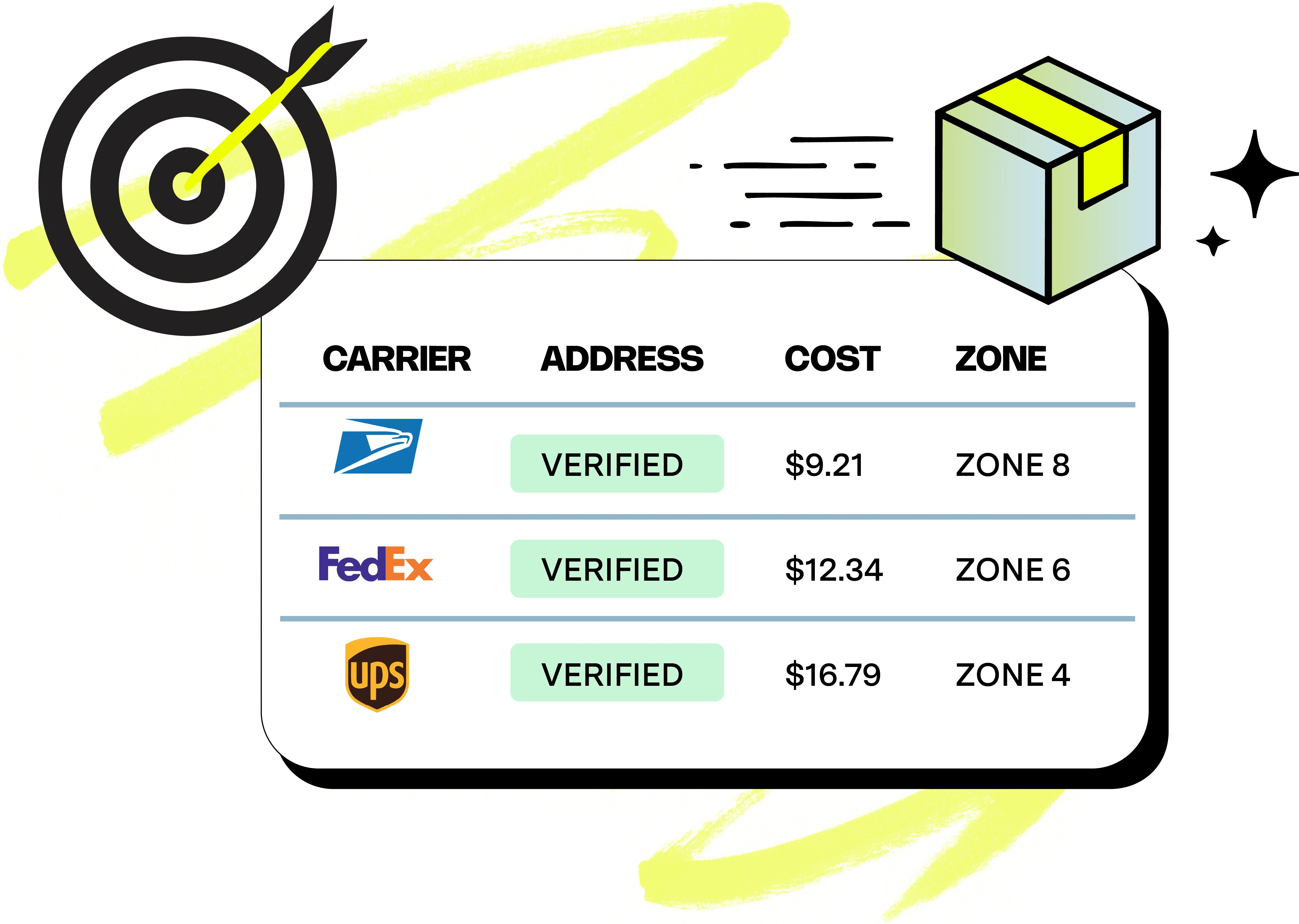
Ensure accurate shipments from checkout to doorstep
1
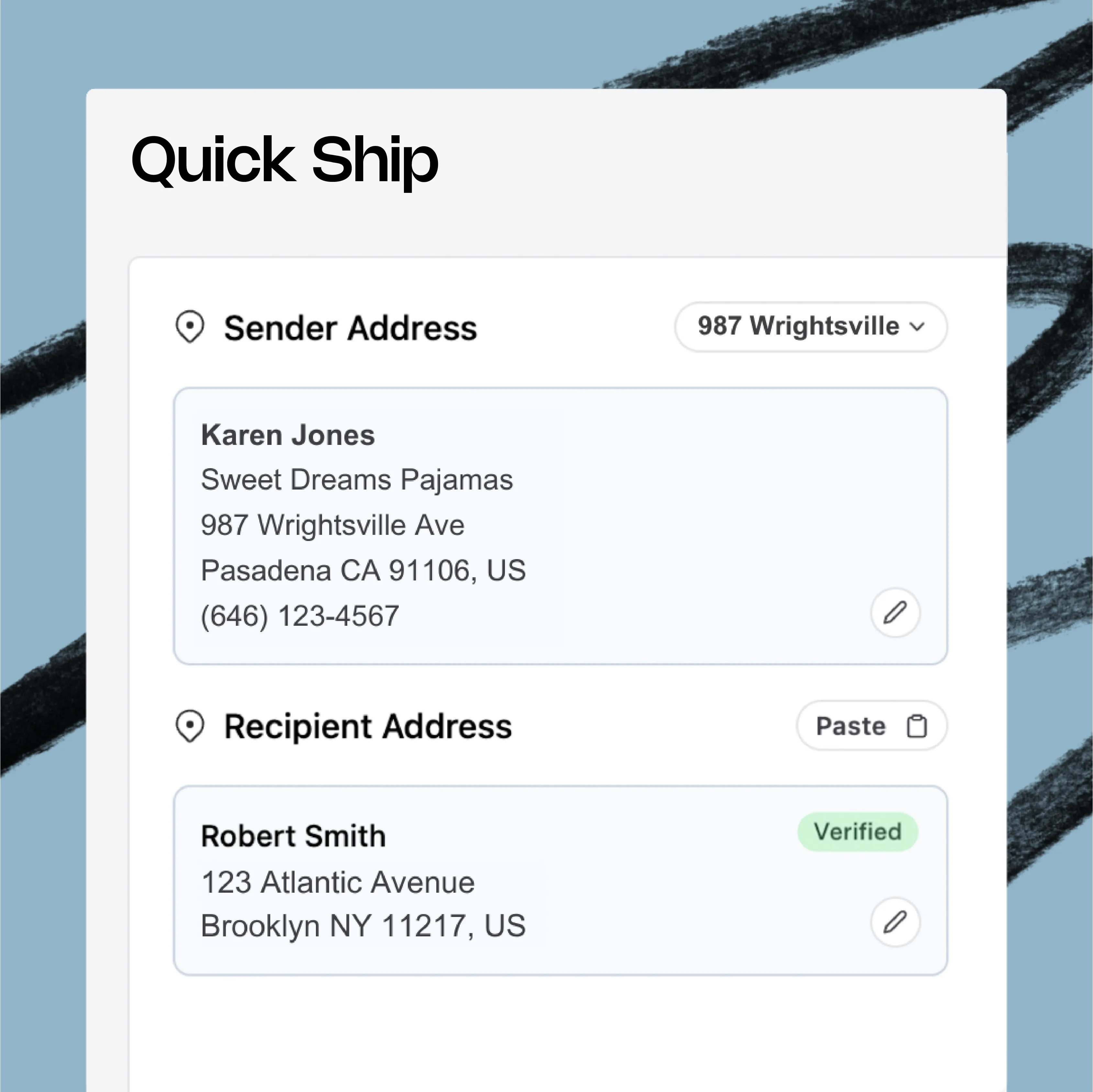
Enter the recipient address, or let it automatically import from the order’s customer data.
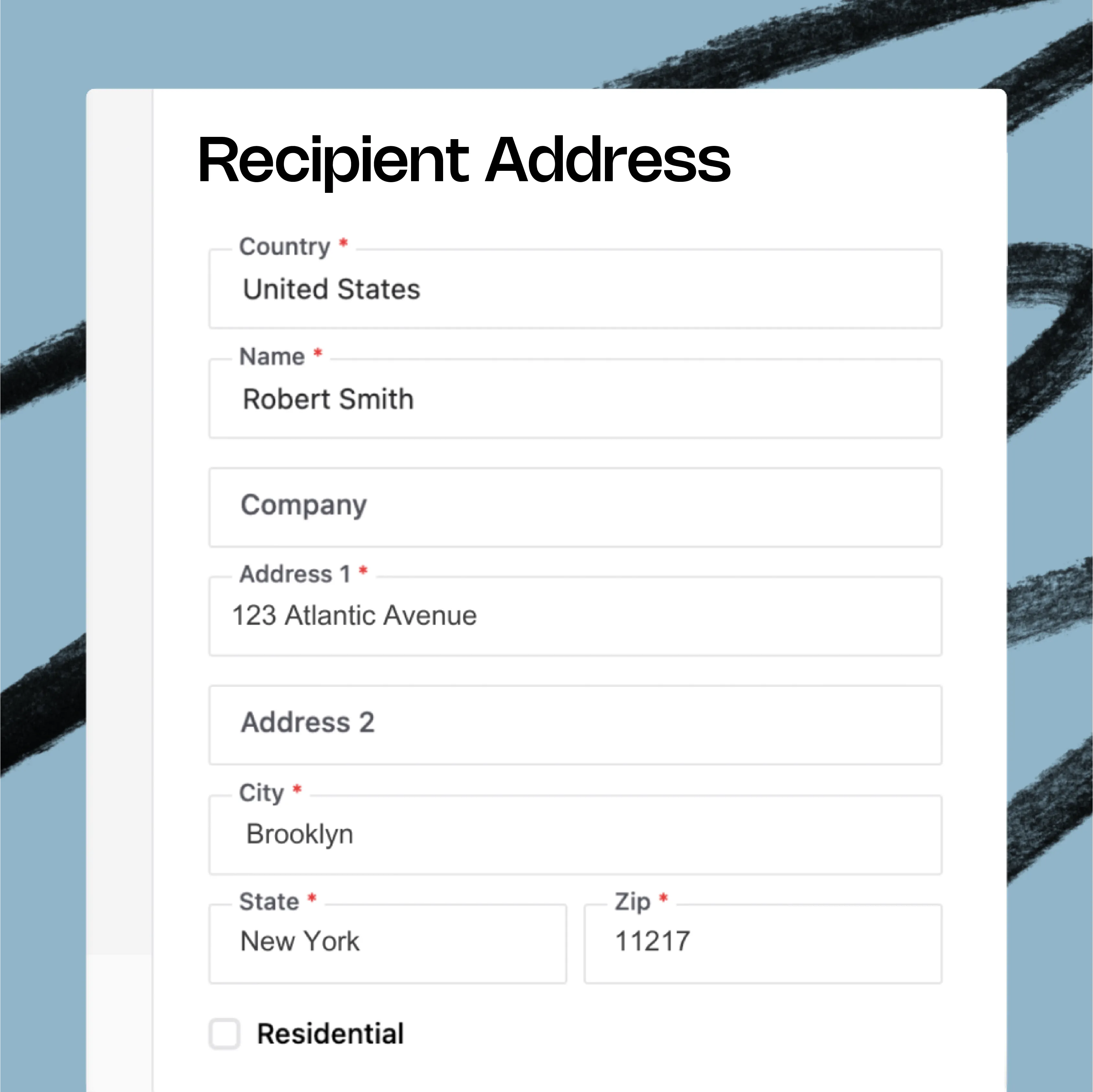
2
The address is validated by cross-reference against trusted, CASS Certified and USPS-linked databases.
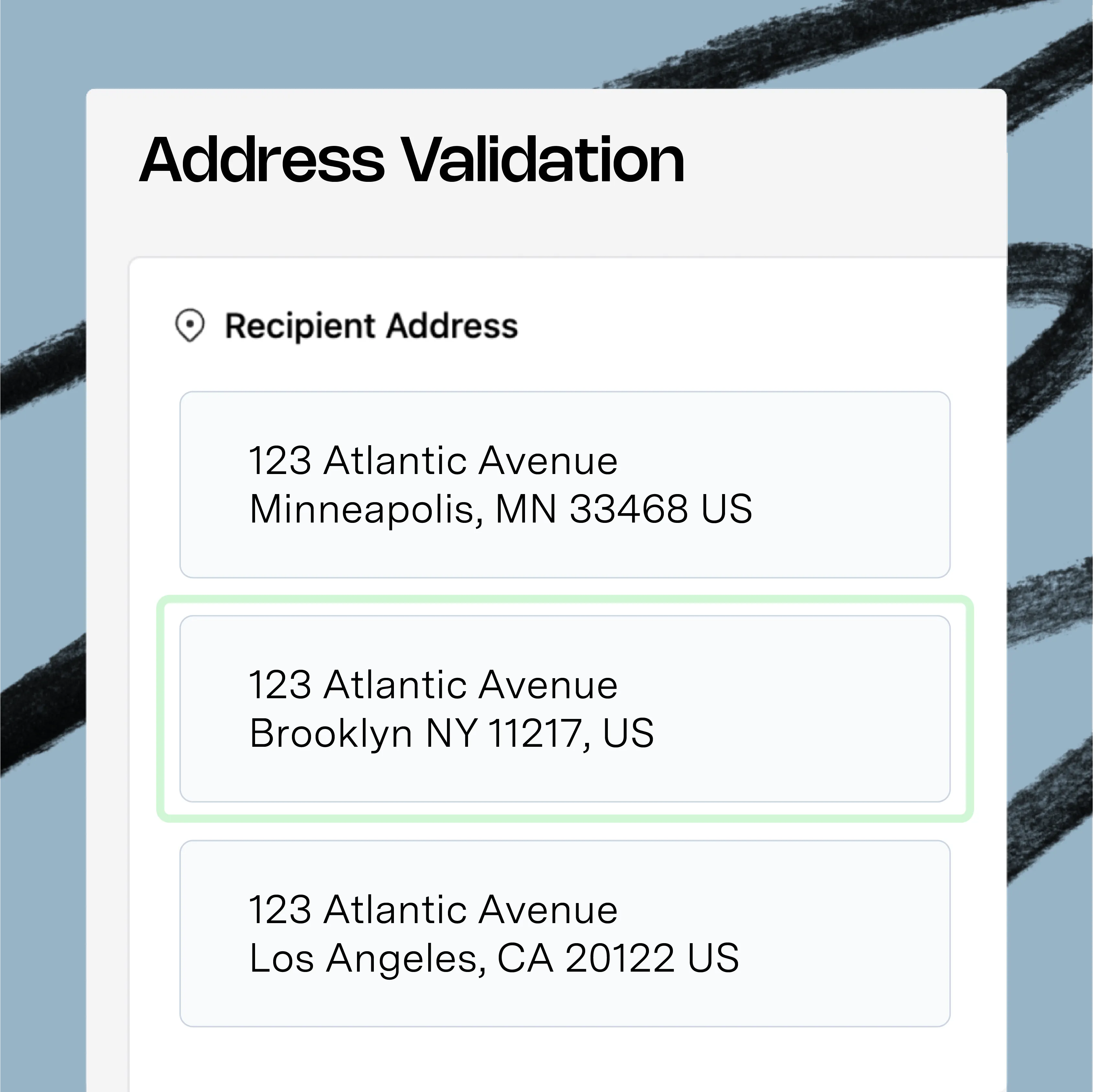
3
A Verified tag will appear if the address is valid. Any invalid address triggers a pop-up with correct suggestions to double-check.

Frequently asked questions

How Do I Manually Verify an Address Marked Unverified?
How Do I Set Up Address Verification?
How Do I Flag an Order With an Invalid Address?
How Can I Ensure Accurate Address Data?
Integrate Your eCommerce Workflows
From carrier rates to warehouse management, integrate your entire workflow onto one simple platform. Start streamlining your shipping experience today.

Asher Golf automates fulfillment with VESYL
"In today’s fast-paced world, efficient shipping software is no less than a lifesaver for any business. What if you found a tool that not only automates your shipping needs but is also backed by a customer service team that sets a gold standard for the industry? That’s exactly what we’ve found with VESYL.
From the get-go, it was clear this wasn’t just another off-the-shelf solution. Our experience has been nothing short of transformational."
Director of Operations
